
Adding Cost of Goods (COGs) in Bulk
If you have hundreds or thousands of product variants, bulk upload is the easiest way to add COGs into SARAL.
A few things to know before you start:
COGs are tracked at the variant level — you'll need to include each variant (e.g., size, color) to ensure accurate tracking.
Shopify integration doesn't sync COGs automatically — but we've got you covered. Simply export your product data from Shopify, send it to us, and we'll handle the import for you.
Here’s a Shopify Help Center article that shows how to download your existing products as a CSV. This file will include the cost per item/variant.

productId – Shopify product ID
productImage – product image
productName – name of the product
productPrice – or Variant Price
variantDetail – product options (see sample below)
variantId – Shopify variant ID
Cost of Goods – cost per item
shippingCost – if applicable
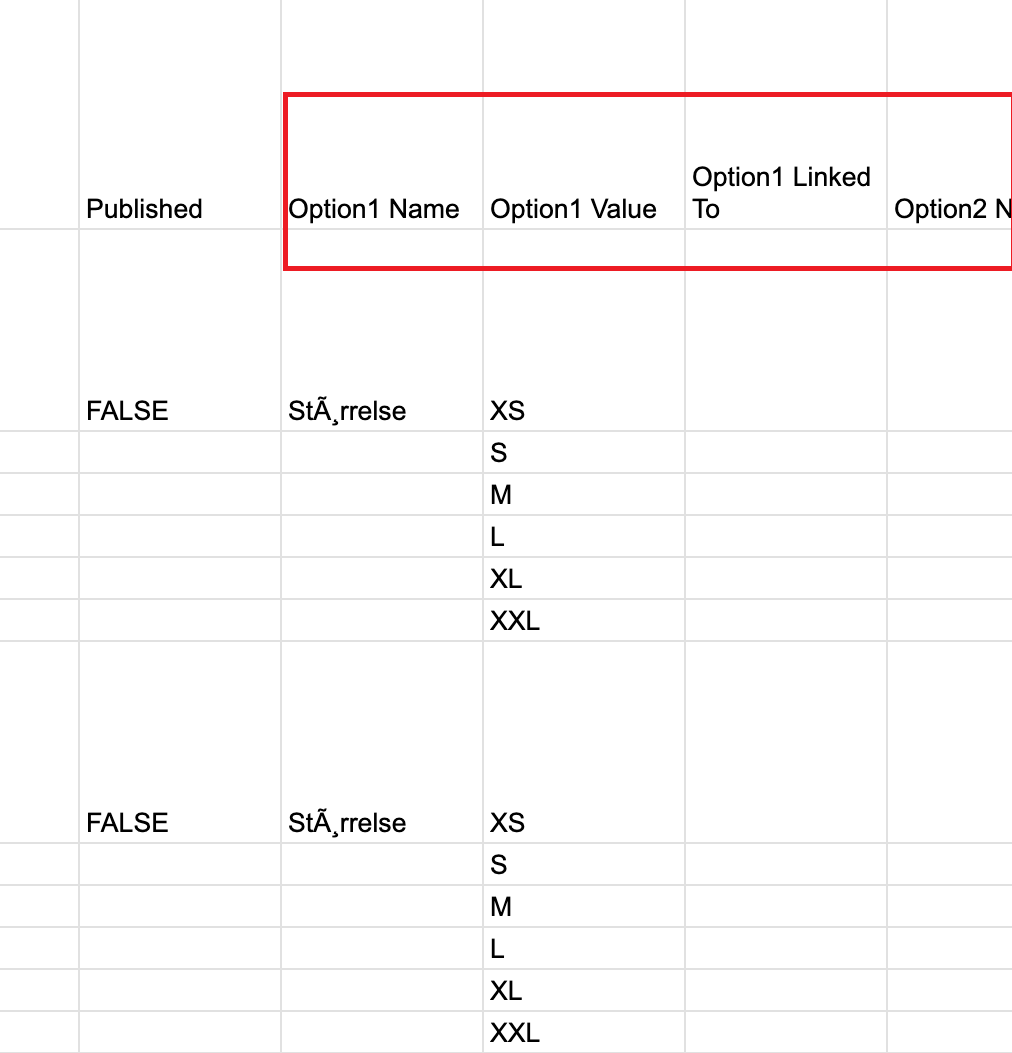
Once you have these details in a CSV, send it to us and we’ll handle the import. After the import, SARAL will create line items in the COGs section, so your reports will automatically consider COGs whenever products are shipped.
Still have questions?
Reach out anytime via the support chat at the bottom-right corner of your dashboard, or email us at [email protected]. We’re happy to assist!