
You can pause it using the toggle next to its status.
Go to Email Drips and find the drip you want to pause.
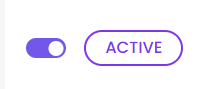
Click the toggle next to ACTIVE.
The toggle will turn gray, and the status will change to PAUSED.
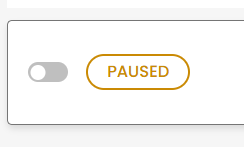
Your drip will stop sending emails while paused.
To activate it again, click the same toggle. It will turn purple, and the status will return to ACTIVE.
Resuming a drip continues from where it stopped. It won’t reset or restart the sequence. If you want to start over, duplicate the Email Drip instead.