
From within an influencer’s full profile, you can manage all things payment-related:
1— Add PayPal Email
Enter the influencer’s PayPal email to facilitate commission payouts using SARAL’s PayPal integration.
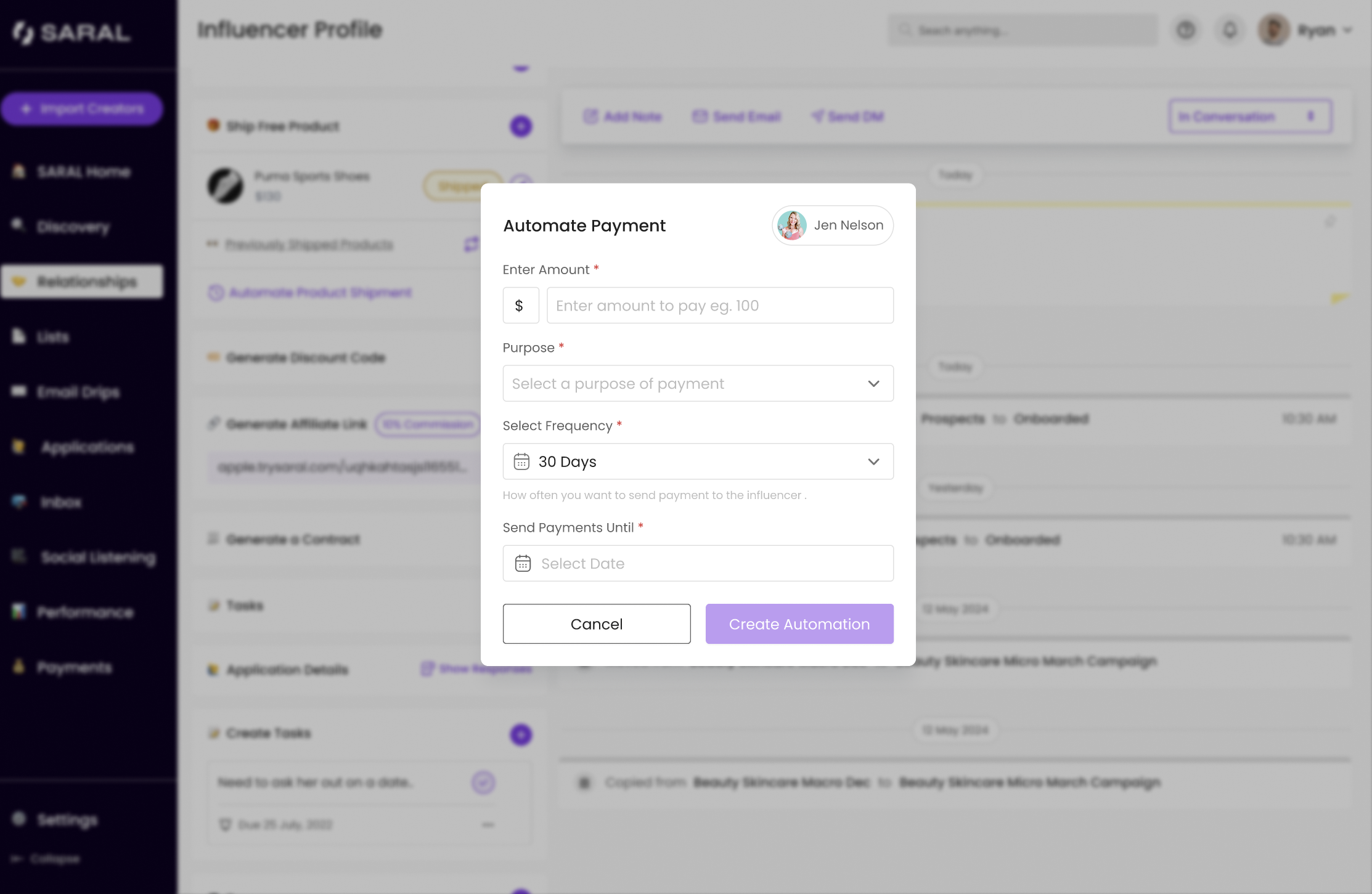
2— Track Payment History
View a full history of payments made to each influencer.
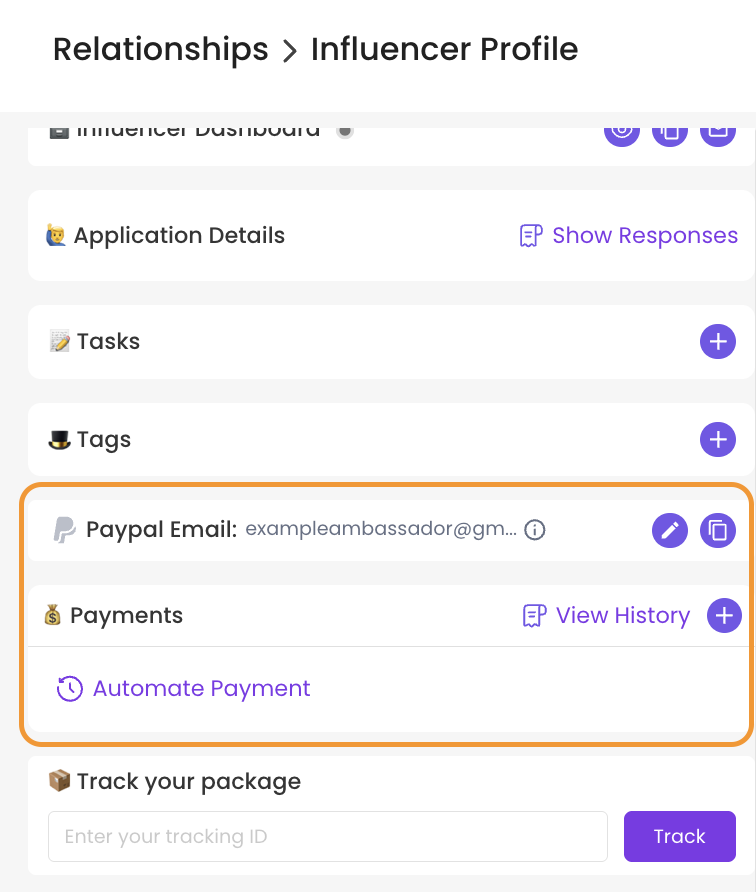
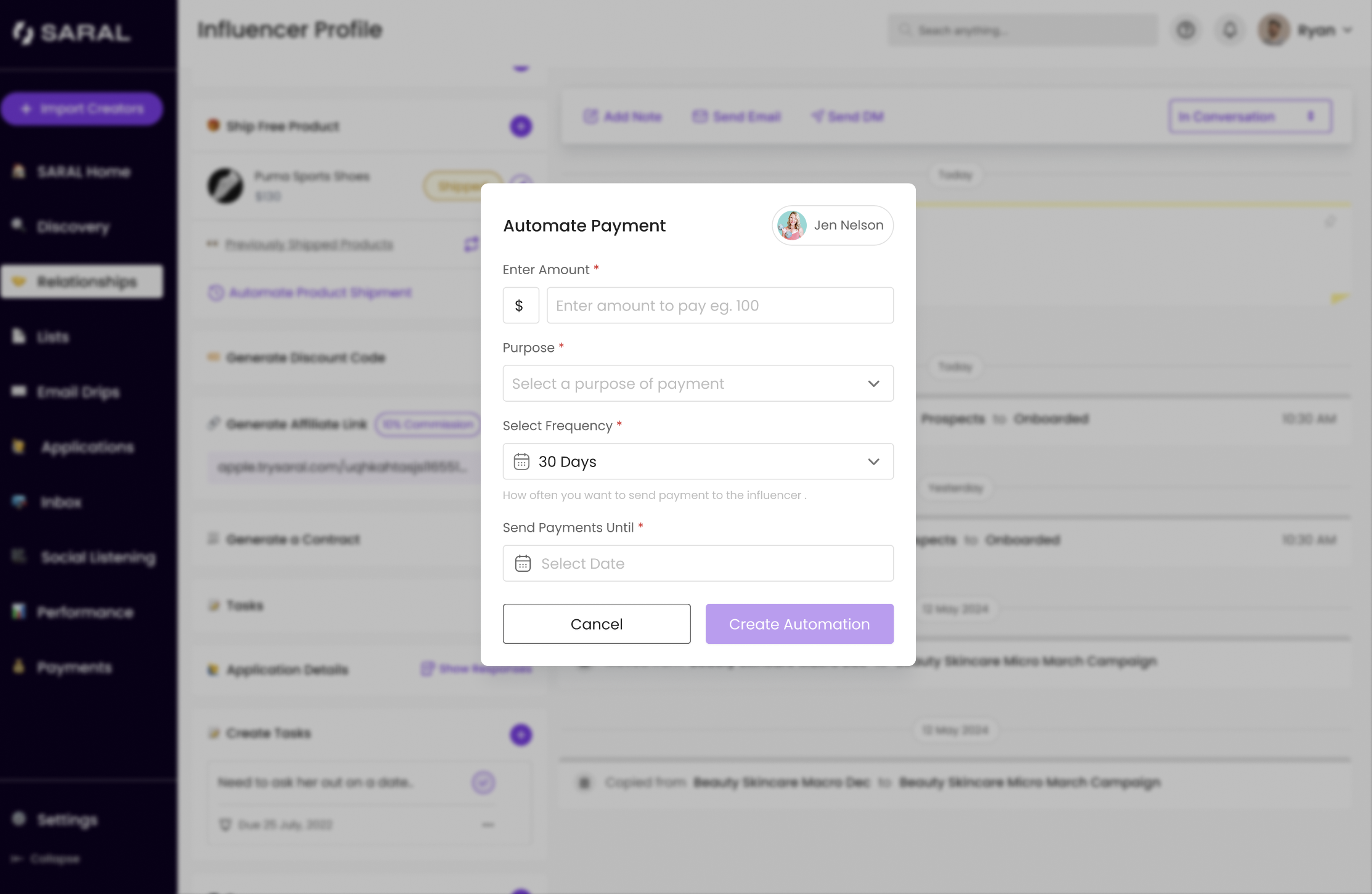
3— Schedule Flat Fee Payments
You can now set up recurring fixed payments (e.g. monthly retainers). Customize the frequency, automate tracking and simplify your payout workflow.
Follow these steps to send a one-time payment to an influencer.
Still need help?
Reach out anytime with our helpful Support team using the button at the bottom-right corner of your dashboard, or email us at [email protected].